
Developments in technology have always changed the way people entertain their family at home. When the radio became a must have item, families were able to lose themselves in audio adventures. Then the invention of television allowed families to add video to the audio and they saw the world as never before.
From there, the rabbit ear antennas were replaced with satellites and cables which gave viewers access to hundreds of channels, 24 hours a day. Now, the next step in home entertainment advancement is here and it is internet TV.
With more and more households choosing the streaming option, cable and satellite companies are rush- ing to join online-only platforms in offering customers an easier way to watch their favorite programming.
One misconception people have is that they have to have a smart TV in order to watch online programming. The truth is, there are several devices which will allow your TV to access the internet. These devices simply plug into an HDMI port located on the back of your TV. The power can be supplied by a wall socket or via the USB port also located on the back of your set. Once connected, viewers will be prompted to connect the device to their WiFi.
Once connected, you will have access to the device’s channel store. Think of this as an app store. Interested in westerns? Simply search the term “westerns” and the device will show you a selection of channels which focus on western style programming. While most of the major streaming platforms charge a monthly subscription fee, many apps are free.
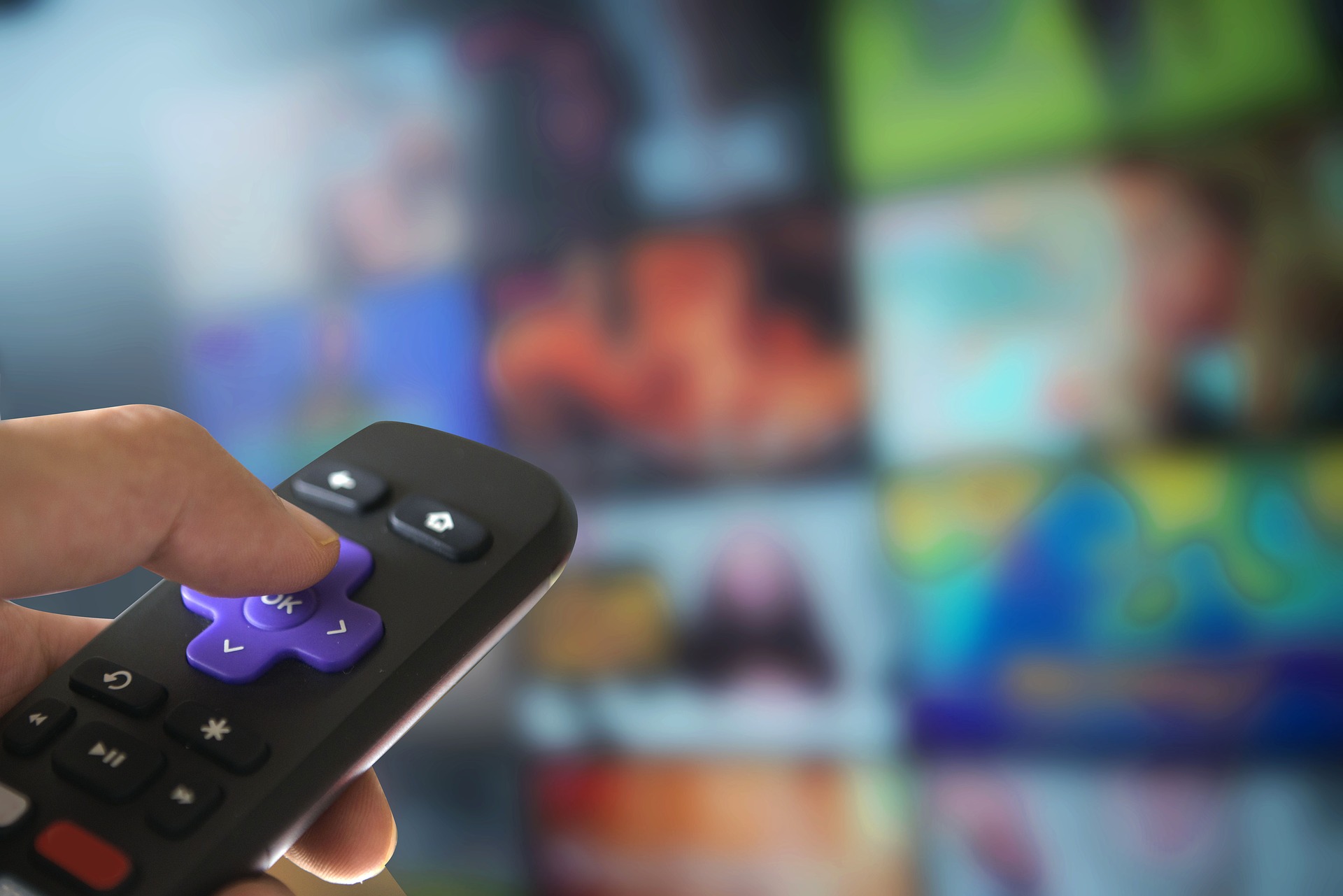
A popular option among streamers is the Roku. For their base device, known as the Express, Roku charges a one-time fee of $29.99. The remote is capable of controlling all of your TV’s functions which limits the need for multiple remotes.
Coming in a little more ex- pensive at $39.99 is the Fire TV Stick. Made by Amazon, customers can sync the device with their Alexa which allows for voice control over their TV. A remote is also included.
Google’s Chromecast is slightly different. While it connects to your WiFi, there is no remote. Instead, users use a smart phone or tablet to connect to the device. The latest version of the Chromecast is listed at $29.99.
Before jumping into the world of streaming television, research is key. Reading online reviews or watching review videos can help make the transition a smooth one.
Next week’s issue will look at different streaming platforms.